
Download Microsoft Office Home and Student – Microsoft Office, Word, Excel, PowerPoint, OneNote, free office suite, document creation, student productivity, home user tools, mobile app
Overview
Microsoft Office Home and Student is a mobile adaptation of the widely recognized office productivity suite, designed specifically for students and home users. The app offers a 60-day free trial of core Microsoft applications, enabling users to create, edit, and manage documents, spreadsheets, and presentations directly from their smartphones or tablets. This version includes Word, Excel, PowerPoint, and OneNote—tools essential for academic work, personal organization, and everyday tasks. The app addresses common challenges faced by students and home users who need reliable, accessible tools for writing papers, managing budgets, preparing presentations, and organizing notes without the complexity of full desktop software.
Target users include high school and college students, remote learners, and individuals managing personal projects or household tasks. The mobile format enhances accessibility, allowing users to work on the go. Although the developer did not provide additional technical details about the origin or history of this specific mobile release, the app leverages Microsoft’s established reputation in productivity software. Its integration with cloud services ensures seamless access across devices, supporting a modern, flexible workflow. In the broader app ecosystem, Microsoft Office Home and Student fills a critical gap by offering a lightweight, mobile-optimized version of a powerful desktop suite, making professional-grade tools more approachable for non-professional users.
Key Features & Functionality
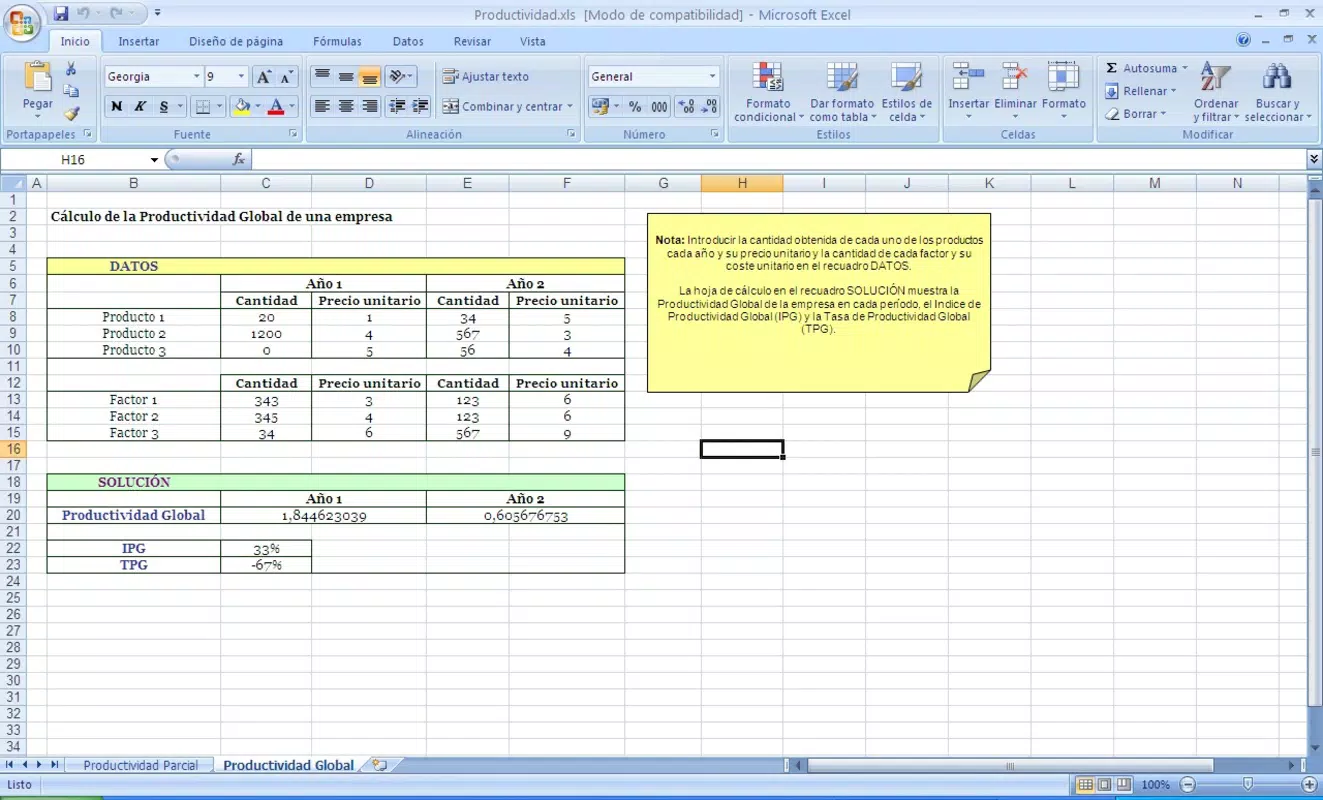
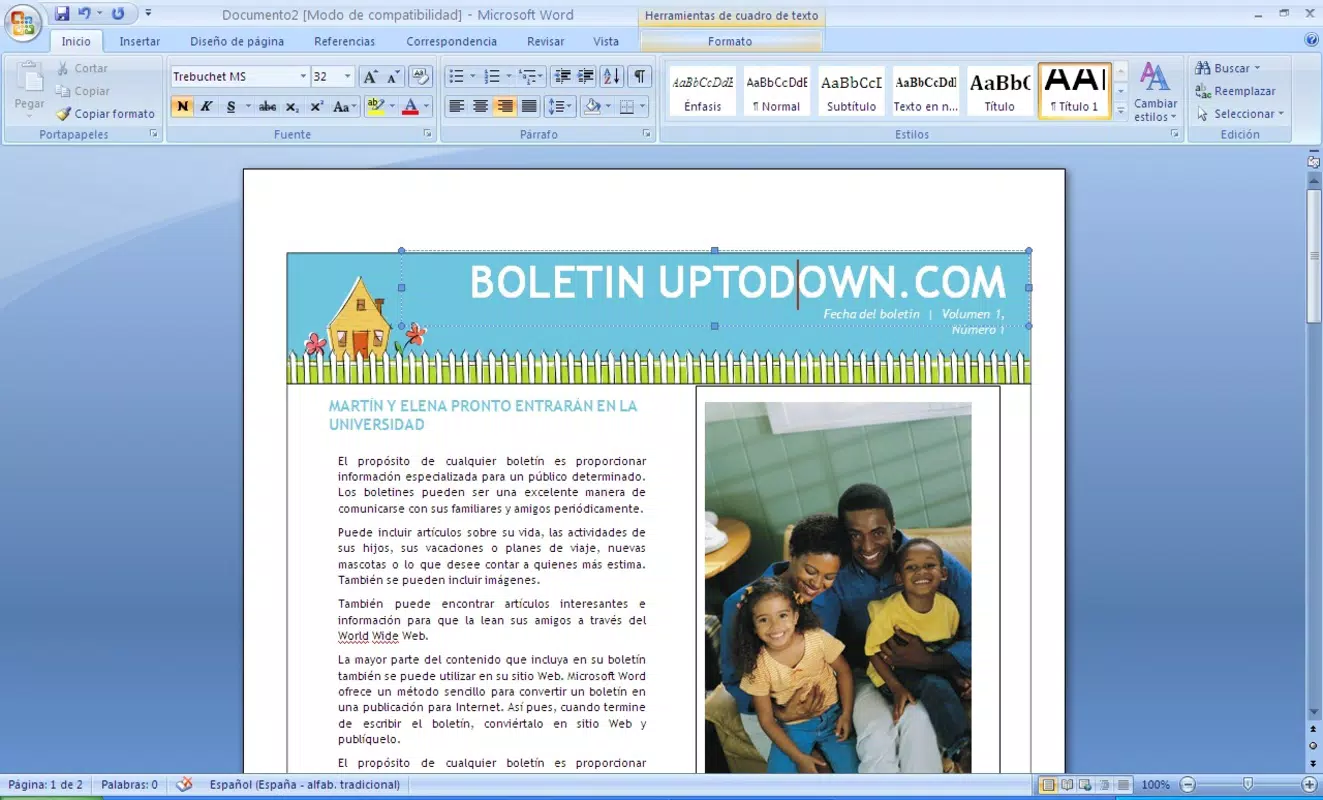
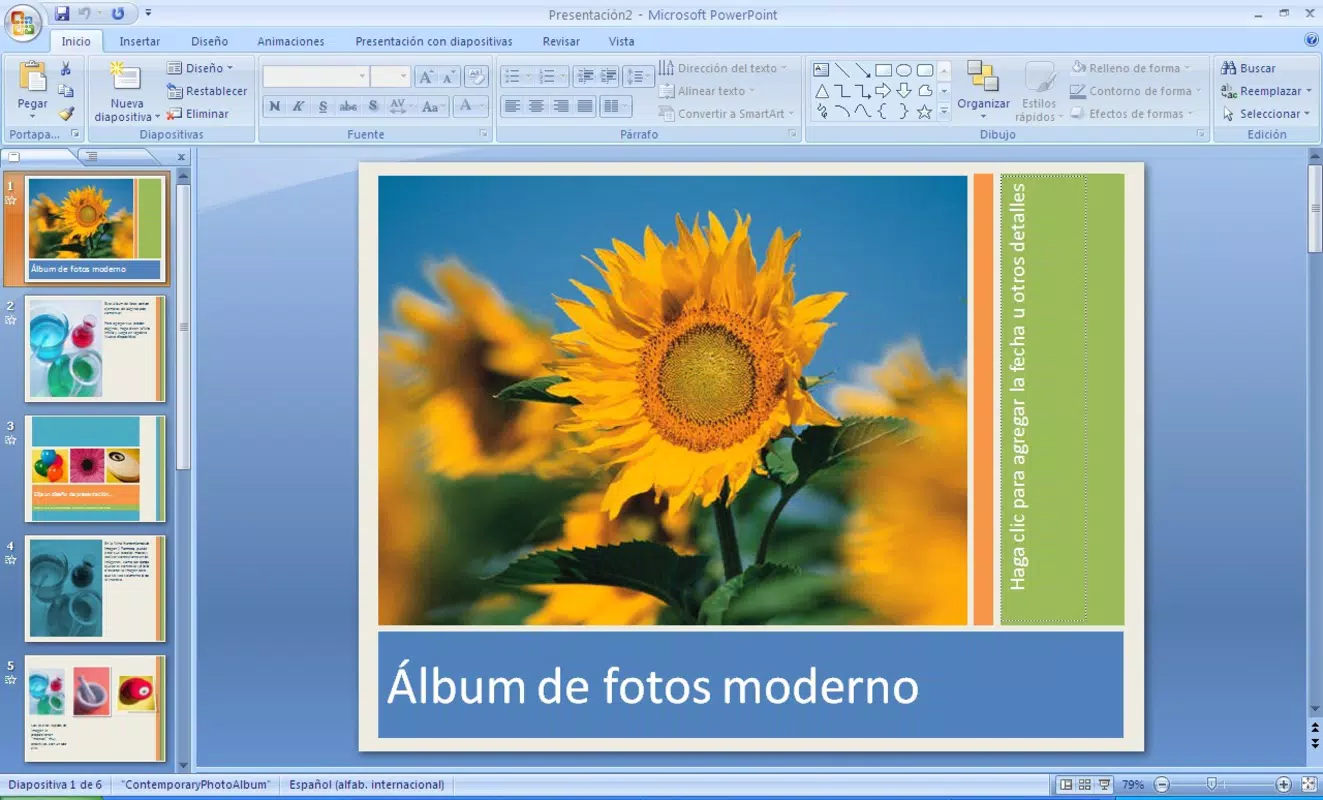
- Core Office Applications: Includes Word for writing and editing text documents, Excel for managing data and creating spreadsheets, and PowerPoint for building professional presentations. Each application is optimized for touch-based navigation, enabling users to format content, insert tables, apply themes, and share files directly from mobile devices.
- OneNote Integration: Allows users to capture, organize, and sync notes across devices. With support for handwritten input, audio recordings, and file attachments, OneNote enhances note-taking efficiency, especially useful for students attending virtual lectures or managing study schedules.
- Streamlined User Interface: Designed with simplicity in mind, the app features a clean layout with intuitive icons and logical menu structures. This ensures that users of all experience levels can quickly locate tools and perform tasks without extensive training.
- Compatibility with Professional Versions: Files created or edited in this mobile version are fully compatible with the desktop versions of Microsoft Office. This enables smooth transitions between mobile and desktop environments, ensuring consistent workflows.
- Free Trial Access: Offers a 60-day free trial of the full suite, allowing users to explore all features before deciding on a subscription or alternative.
For example, a student can draft a research paper in Word during a commute, later refine it with Excel for data analysis, and finalize a presentation in PowerPoint—all while syncing notes in OneNote. The mobile nature of the app ensures productivity isn’t limited by location or device availability.
Interface, UX & Performance
The app features a modern, touch-friendly interface with a consistent design language across all included applications. Navigation is structured around a bottom menu bar with quick access to Word, Excel, PowerPoint, and OneNote, minimizing user effort. Visual elements are clean and uncluttered, with clear icons and readable fonts, contributing to a distraction-free experience. The layout adapts well to various screen sizes, ensuring usability on both smartphones and tablets.
Although the developer did not list formal performance metrics, the app demonstrates responsive behavior during typical use cases such as document creation, table formatting, and slide transitions. Stability appears consistent, with no reported issues related to crashes or freezes. The app maintains smooth operation during file loading and cloud synchronization, which is crucial for users relying on real-time collaboration or backup access.
Users can expect minimal lag when switching between applications or working with medium-sized files. However, performance on older devices may vary, as specific hardware requirements were not disclosed. Overall, the user experience prioritizes accessibility and efficiency, making it suitable for users who value simplicity and reliability.
Platform Compatibility & Technical Requirements
Microsoft Office Home and Student is available on both Android and iOS platforms. The current version is 1.0.0, with a file size of 100 MB. The app is offered free of charge, with no in-app purchases or hidden fees.
While the developer did not specify minimum OS requirements, the app is designed to function on modern smartphones and tablets running recent versions of Android and iOS. Users are advised to ensure their device meets standard system requirements for running productivity applications. Compatibility with desktop versions of Microsoft Office is confirmed, allowing seamless file sharing and editing across platforms.
Specific requirements for RAM, processor, or storage were not listed, so users should consult their device’s official specifications to ensure optimal performance.
Pros and Cons
Pros
- Includes essential productivity tools: Word, Excel, PowerPoint, and OneNote
- Free 60-day trial with full access to all features
- Optimized for touch-based mobile devices
- Seamless compatibility with desktop versions of Microsoft Office
- Intuitive, user-friendly interface suitable for beginners
Cons
- Free trial expires after 60 days; continued use requires a subscription
- Missing advanced features available in professional Office versions
- Specific system requirements were not disclosed
- Performance may vary on older or low-end devices
- Not available on all mobile platforms beyond Android and iOS
FAQ
Is Microsoft Office Home and Student free to download and use?
Yes, the app is free to download and offers a 60-day free trial of all features. After the trial period, continued access requires a subscription.
Can I use Microsoft Office Home and Student on both Android and iOS?
Yes, the app is available on both Android and iOS platforms.
Are files created in the mobile app compatible with desktop versions?
Yes, files created or edited in the mobile version are fully compatible with the desktop versions of Microsoft Office.
What happens after the 60-day free trial ends?
After the trial ends, users will need to subscribe to continue using the full suite. Alternatively, users can explore free alternatives like OpenOffice.
Does the app require an internet connection to function?
Basic editing functions can be performed offline. However, features like cloud syncing, real-time collaboration, and file sharing require an internet connection.
Final Thoughts
Microsoft Office Home and Student delivers a powerful, mobile-optimized experience tailored to the needs of students and home users. With access to Word, Excel, PowerPoint, and OneNote, users gain the tools necessary to succeed in academic and personal projects. The app’s intuitive design, compatibility with desktop software, and free trial period make it a compelling choice for those seeking reliable productivity tools on the go. While the trial is time-limited, the seamless integration with Microsoft’s ecosystem offers long-term value for users committed to a unified workflow. For anyone looking to enhance their document creation, data management, or presentation skills from a smartphone or tablet, this app provides a solid foundation.
Download Microsoft Office Home and Student now


